Best Anime AI Generator: 7 Tools Ranked Honestly
We tested 7 anime AI generators so you can see which tools produce the best art, which are actually free, and which are worth your time.
By SAM's AI Services Team · 2026-04-28
The anime AI generator space has exploded in the last 18 months.
What started as a few experimental tools that could barely produce a recognizable face has turned into a full ecosystem of specialized AI art generators, each with their own style, strengths, and honestly some pretty significant differences in output quality.
If you are an artist, content creator, small business making anime-adjacent content, or just someone who wants to visualize a character concept, picking the right tool matters. They are not all the same, and the free ones are not always worse.
This is an honest ranking after testing all seven. No sponsored placements.
Why Anime AI Generators Got So Good So Fast
Anime as an art form has specific and consistent visual rules. Characters have large expressive eyes, stylized hair, proportions that follow genre conventions, and distinct shading patterns that separate it from Western illustration or photorealism.
That consistency actually made it easier to train AI models on. The model has clearer patterns to learn from compared to, say, trying to generate photorealistic human faces across infinite variation.
The result is that anime AI generation is currently more refined than almost any other illustration style in the AI art space. You can get genuinely impressive results with the right tool and a halfway decent prompt.
Here are the seven best.
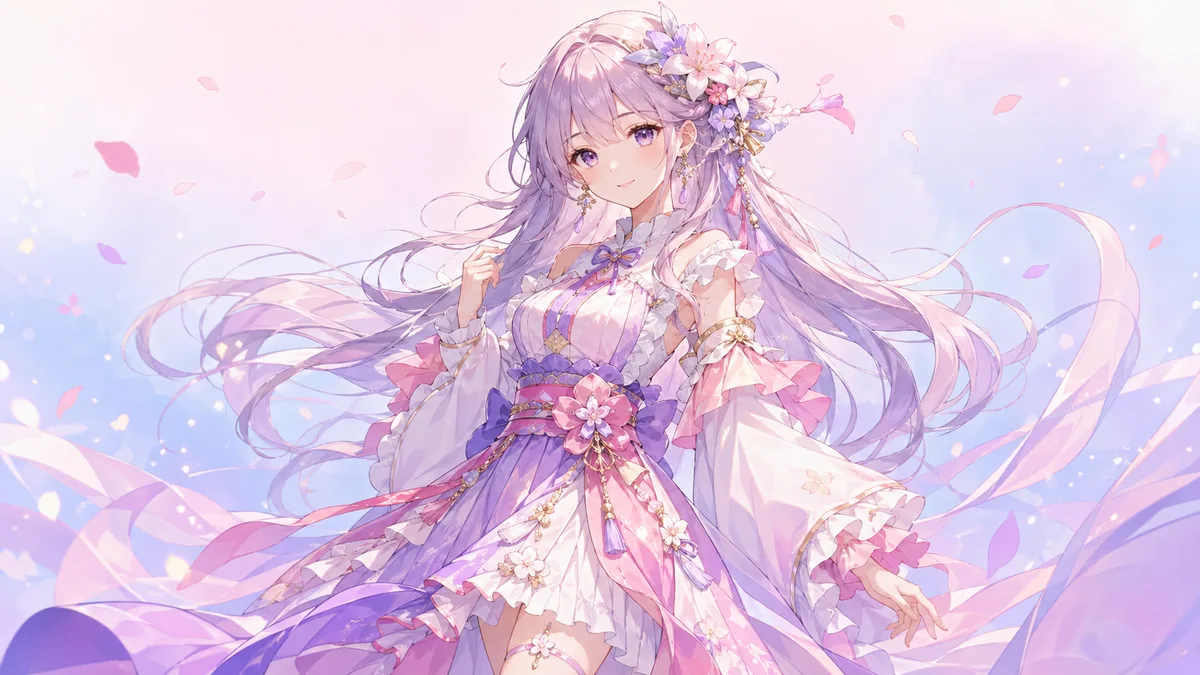
1. Midjourney (Best Overall Quality)
Midjourney is not specifically an anime generator but it produces some of the highest-quality anime-style art of any tool available. The key is prompting it correctly.
Use style references like "anime, Studio Ghibli style, soft cel shading, detailed background" and the results are consistently impressive. The coherence across multiple generations is strong, which matters if you are trying to maintain a consistent character across multiple images.
The main downside is that Midjourney runs through Discord, which is a bit awkward for business workflows. And there is no free tier anymore.
Best for: High-quality outputs for commercial use, consistent character design, professional creative projects. Price: Starts at $10/month. Limitation: No dedicated anime mode. Prompting learning curve is steeper than specialized tools.
2. NovelAI (Best for Anime Purists)
NovelAI was built specifically for generating anime art and it shows. The default outputs look like they came from a professional manga artist. Character proportions, hair detail, facial expression variety, and background integration are all noticeably better than generalist tools when you want that classic anime aesthetic.
The interface is designed for iterative generation. You can fine-tune character features, clothing, and scene composition without starting over from scratch each time.
Best for: Anyone who specifically wants that authentic anime aesthetic without compromise. Price: $10-$25/month depending on features. Limitation: Less versatile for non-anime styles. The UI takes some getting used to.
3. Adobe Firefly (Best for Commercial Safety)
If you are using AI-generated anime art in anything commercial, the licensing question matters more than most people realize. Many AI tools train on copyrighted artwork without permission, which creates legal gray areas for commercial use.
Adobe Firefly was trained on licensed content, stock photos, and public domain work. Adobe explicitly offers commercial use rights for images generated with it. That is not true of most tools on this list.
The anime style outputs from Firefly are good. Not as stylistically pure as NovelAI, but solid and versatile.
Best for: Businesses, marketers, and anyone using generated art in paid projects, ads, or products. Price: Included with Adobe Creative Cloud or as a standalone subscription. Limitation: Less specialized for deep anime aesthetics. Better for anime-influenced rather than authentic anime.
4. Stable Diffusion with Anime Models (Best Free Option)
This one requires more technical setup but if you want the most powerful and completely free option, Stable Diffusion with one of the community anime-specific models is the answer.
The anime community has trained a huge number of specialized models, like Anything V5, Counterfeit, and AbsoluteReality, that produce exceptional results. You install Stable Diffusion locally through a tool like Automatic1111, download the model of your choice, and generate as many images as you want for free.
The catch is that setup is genuinely technical. You need a decent GPU, some comfort with terminal commands, and patience for the initial configuration. After that, the freedom is unmatched.
Best for: Power users, developers, artists who want full control and zero monthly fees. Price: Free (requires hardware to run locally). Limitation: Technical setup barrier. Requires a capable computer. Not beginner-friendly.
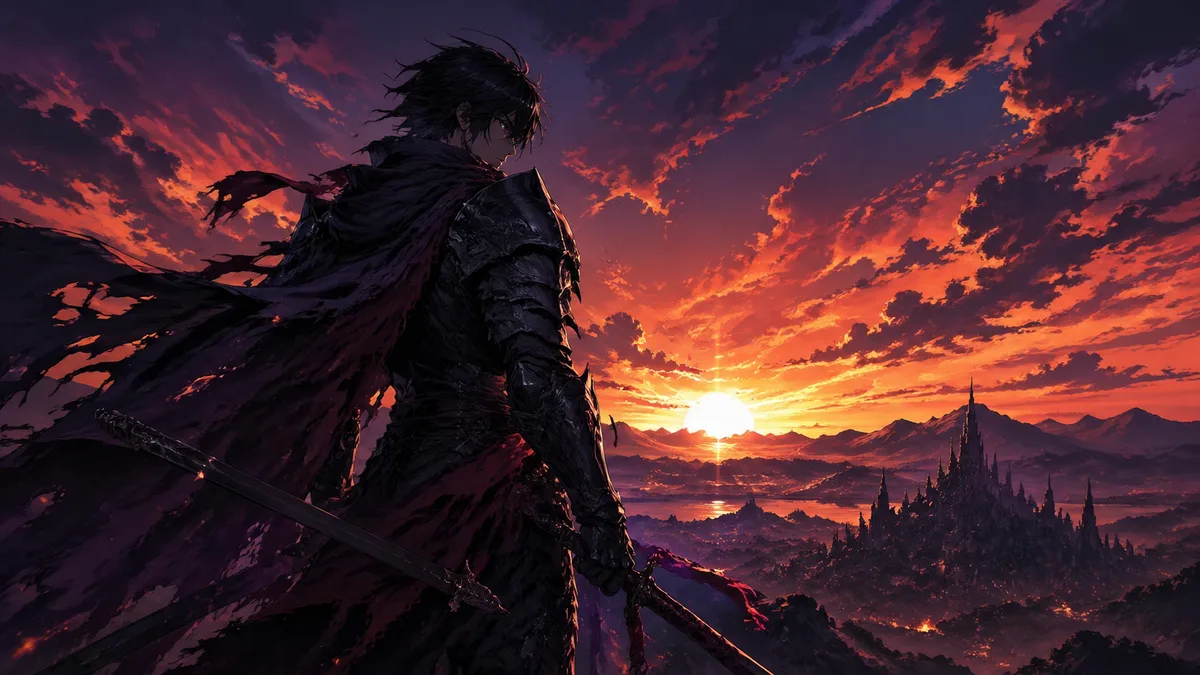
5. Bing Image Creator (Best Completely Free Option)
Bing Image Creator is powered by DALL-E 3 and it is genuinely free without needing an account upgrade. You get a certain number of "fast generations" per day and then slower generation after that.
For anime? It is inconsistent. Sometimes the results are great. Sometimes they drift toward a more Western cartoon aesthetic. Prompting matters a lot here. Adding "anime style, cel shaded, manga proportions" helps but does not guarantee consistent results.
But for zero cost, it is remarkable what you can produce when the prompts land right.
Best for: Casual users, people testing AI art for the first time, no-budget projects. Price: Free. Limitation: Quality is inconsistent. Limited fine-tuning ability. Style drifts between generations.
6. NightCafe
NightCafe lets you choose from multiple AI engines, including Stable Diffusion, which means you can access anime-specific outputs without the technical setup of running it locally. The interface is beginner-friendly and the community aspect, where users share their creations, is genuinely useful for prompt inspiration.
The credit system can feel limiting if you are generating a lot of images but for moderate use it is fine.
Best for: Beginners who want anime-capable results without technical complexity. Price: Free credits daily. Paid plans from $6/month. Limitation: Credit system limits high-volume use. Interface is functional but not polished.
7. Canva AI Image Generator (Best for Non-Artists)
Canva is not known for deep anime generation but their Magic Media feature has improved significantly. If you are a business owner or marketer who needs anime-inspired visuals without wanting to learn a new tool, Canva keeps everything in one workflow: generate the image, drop it straight into your design.
Best for: Business users who already live in Canva and need occasional anime-style graphics. Price: Included in Canva Pro ($15/month). Limitation: Limited control over style specifics. Outputs are more anime-influenced than authentic anime.
How Businesses Are Using Anime AI Art
This is actually worth pausing on because it connects to something larger.
Anime aesthetics have gone mainstream in Western markets. Brands like Nike, Tesla, and dozens of mid-size consumer companies have run anime-inspired campaigns specifically because the style connects with younger demographics in a way that photorealistic imagery does not.
For small businesses, AI anime generators open up a content category that used to be completely inaccessible due to the cost of commissioning custom illustration. A small Shopify brand selling to gaming or anime-adjacent audiences can now produce consistent branded character art, social media content, and product mockups without hiring an illustrator.
This is exactly the kind of creative workflow we help businesses build at SAM's AI Services. Our AI Image Generation service is not just about producing images, it is about building a consistent visual identity pipeline so your business can output professional-quality content at the speed and volume that modern marketing requires.
Prompting Tips That Actually Work for Anime AI Generators
No matter which tool you use, these prompt strategies improve results across the board.
Be specific about the style. "Anime" is broad. "Shonen anime style, thick outlines, vibrant colors" or "soft shoujo illustration, watercolor tones, delicate linework" will get you much closer to what you actually want.
Specify lighting and mood. "Golden hour lighting," "dramatic backlit silhouette," and "soft studio lighting" all change the output significantly. Light is a huge part of anime's visual identity.
Use negative prompts. Most of these tools let you specify what you do not want. "Western cartoon, 3D render, photorealistic, blurry" can help steer away from common drift problems.
Iterate, do not start over. The first generation is almost never your final image. Use it as a starting point and refine. Most tools have variation or inpainting features for exactly this.
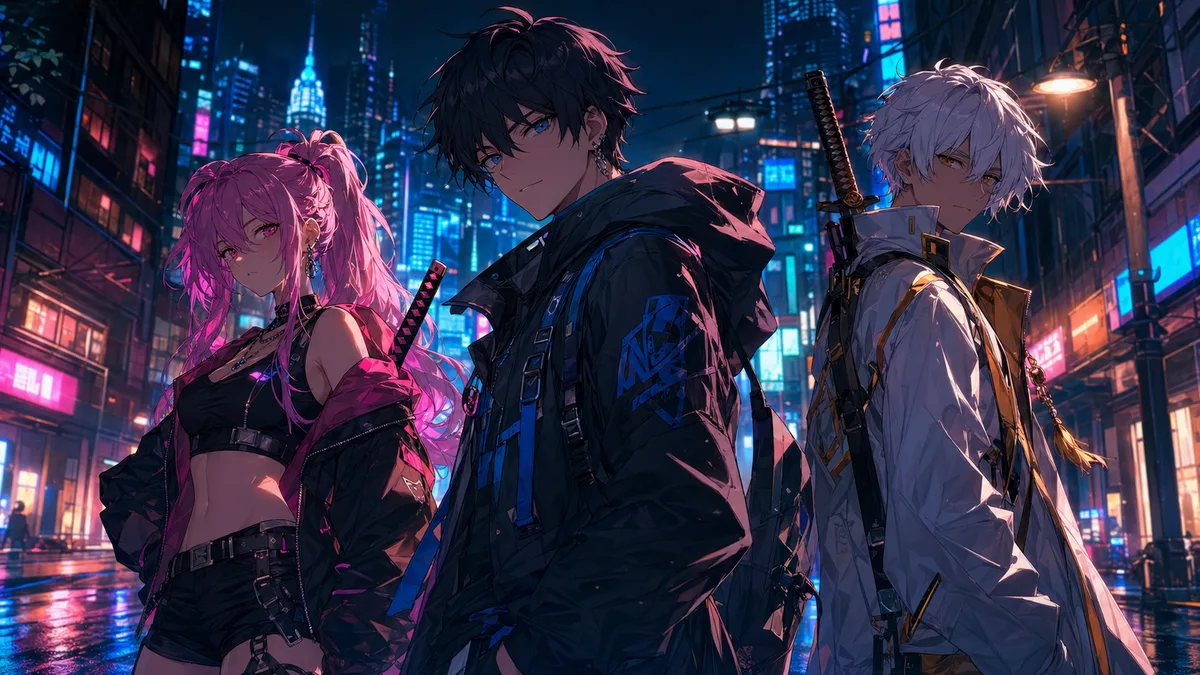
Which One Should You Actually Use?
Here is the quick-answer version.
If you want the best quality and do not mind paying: Midjourney or NovelAI. If you are using the images commercially: Adobe Firefly. If you want free and powerful and are comfortable with tech: Stable Diffusion locally. If you want free and easy: Bing Image Creator. If you are already in Canva: Just use Magic Media.
The honest answer is that most people should start with a free option, figure out what kinds of outputs you are looking for, and then upgrade to a paid specialized tool once you know what "good" looks like for your specific use case.
Final Thought
The anime AI generator space is one of the fastest-moving areas of AI art. Tools that ranked best last year may not be the leaders next year, and new models are releasing constantly.
What does not change is the fundamentals: good prompting, clear style direction, and iteration. Those skills transfer across every tool and will keep serving you no matter how the landscape shifts.
If you are a business looking to incorporate AI-generated visuals into your brand, marketing, or product catalog in a systematic way, SAM's AI Services can help you build that pipeline properly. Reach us at samsaiservices.com/#contact or call +1 (415) 287-2654.
SAM's AI Services helps businesses across the USA create professional visual content using AI image generation. From product photography to brand graphics, we build workflows that scale. Learn more at samsaiservices.com.