What AI Automation Tools Actually Work for Small Businesses?
A no-fluff guide to the AI automation tools that genuinely save time for small businesses, including marketing, lead follow-up, customer service, scheduling, invoicing, and HR.
By SAM's AI Services Team · 2026-05-10
Jenna owns a six-chair hair salon voted "Best of the Suburbs" three years in a row. But every Sunday night, you will find her at the kitchen table manually typing appointment reminders into Instagram DMs, checking who paid, and trying to remember which customer asked to move from Tuesday to Thursday.
She already pays for software. That is the painful part. The technology exists, but the work is still landing back on her desk.
She is not alone. Walk into a plumbing company, boutique consulting firm, cleaning business, med spa, local retailer, or e-commerce shop with fewer than 20 employees and you will see the same pattern: owners spending 15 to 20 hours a week on tasks that AI automation tools can now handle in minutes.
The problem is not a lack of options. There are thousands of AI tools. The problem is that many are built for enterprise teams, many are just flashy demos, and many create another dashboard to manage instead of removing work.
This guide cuts through that noise. It maps the core areas of a small business to the AI automation tools that actually return time, attention, and money. If you want the larger strategy behind this, start with our guide to AI automation for small business in 2026. This article is the practical tool-by-tool companion.
What Does "Actually Works" Mean?
A tool "actually works" for a small business when it saves real time on one specific task, can be set up without a technical team, produces a visible result in the first 30 days, does not require constant babysitting, and costs less than the value of the hours it saves.
That definition matters because "AI automation" has become one of the most overloaded phrases in business marketing. An impressive demo is not the same thing as a workflow that keeps working on a normal Tuesday when the owner is busy, the phone is ringing, and three customers need answers at once.
Quick Definition
AI automation for small businesses is the use of artificial intelligence software to handle repetitive tasks like answering customer questions, scheduling appointments, categorizing expenses, drafting content, and following up with leads with minimal human involvement.
For most small businesses, the highest-value automations fall into six categories:
- Marketing content creation
- Lead capture and follow-up
- Customer service and FAQs
- Scheduling and operations
- Invoicing, expenses, and bookkeeping
- Employee scheduling and HR admin
The most important rule before you start is simple: pick one category and build one win there first. Businesses that try to automate all six at once usually abandon everything within 60 days. One tool. One problem. One month. Then expand.
The AI Automation Tools That Actually Deliver
1. Jasper AI for Marketing Content
Creating consistent content is the time drain most owners underestimate. Social posts, blog drafts, email newsletters, and ad copy are not always hard, but they are relentless.
Jasper is best for businesses that create regular written content and want brand voice controls. You can feed it examples of your past posts, define tone once, and use it to draft captions, blog outlines, landing page copy, and campaign ideas. A consultant can outline a full blog post in minutes. A local service business can turn a monthly promo into a week of social content.
The catch is that Jasper still needs a human editor. Add the local detail, the real customer story, the neighborhood name, and the point of view. The win is not replacing your voice. The win is getting from blank page to editable draft faster.
2. Canva Magic Design for Fast Visuals
Canva Magic Design is best for non-designers who need promotional graphics, social posts, simple flyers, and ad creatives quickly. It is not a replacement for a full brand system, but it is extremely practical for owners who avoid Photoshop and need something polished today.
If visual content is already a bottleneck, pair this with our guide to AI marketing for small business in 2026. The winning pattern is not "make more random posts." It is using AI to create consistent campaigns around offers, seasons, reviews, and customer pain points.
3. ManyChat for Instagram and Facebook Leads
For local businesses that get inquiries through Instagram or Facebook, ManyChat is one of the clearest ROI tools. It can reply instantly, ask qualifying questions, send booking links, tag the lead, and notify a human when the conversation becomes urgent.
This matters because speed wins. If a customer messages three companies, the first useful response often gets the booking. ManyChat is especially strong for salons, med spas, fitness studios, restaurants, local services, and e-commerce stores with social traffic.
Build one safety rule from day one: urgent words like "emergency," "leak," "flooding," "chargeback," or "angry" should notify a real person immediately. Automation should protect the business, not hide serious issues behind polite replies.
4. HubSpot Starter CRM for Follow-Up
HubSpot Starter is useful for B2B service businesses, consultants, agencies, and companies with deals that take more than one touch. It tracks leads, sends follow-up sequences, summarizes deal history, and makes it harder for good prospects to disappear quietly.
The AI layer is helpful for drafting follow-up emails and summarizing conversations, but the real value is the pipeline discipline. Small businesses do not lose every deal because of bad offers. Many lose deals because nobody followed up at the right time.
5. Tidio with Lyro AI for Customer Service
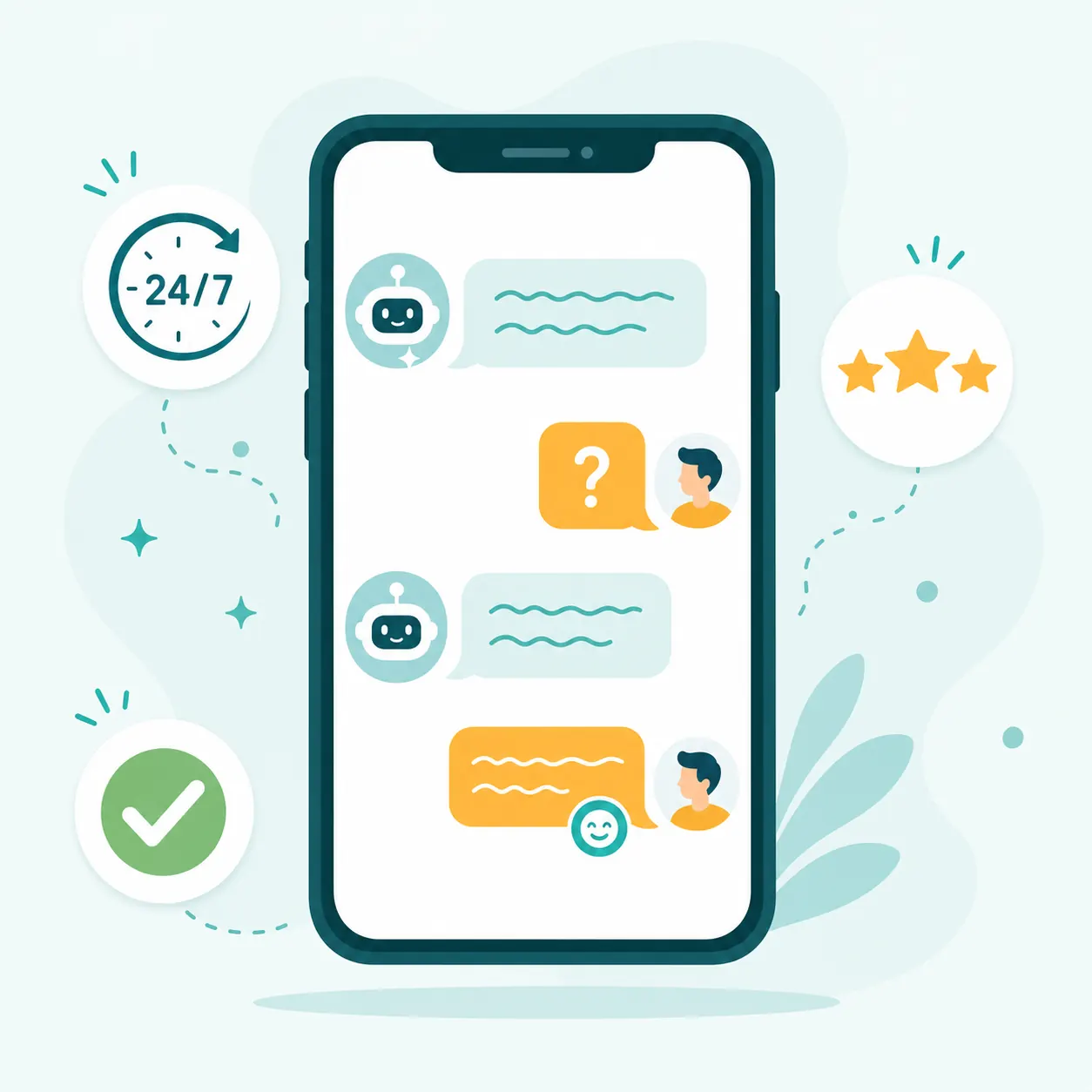
Your customers ask questions at 11 PM, Sunday morning, and while your team is already busy. A good AI customer service tool handles the first layer instantly: hours, pricing ranges, service areas, return policies, booking instructions, and product basics.
Tidio with Lyro AI is a practical choice for websites with repeat questions. It can learn from your FAQ page, service pages, and product information, then answer common questions inside a chat widget. If the question is complex, it can route to a human.
For a deeper look at this category, read our guide to AI chatbots for business in 2026. Chatbots work best when they are trained on real business information and paired with clear human handoff rules.
6. Calendly, Motion, and Reclaim for Scheduling
Scheduling automation is not glamorous, which is exactly why it works. Appointment booking, reminders, rescheduling, and internal calendar protection eat tiny slices of the day until the owner loses an afternoon.
Calendly is the simplest choice for customer-facing booking. Motion and Reclaim are stronger for internal planning, task scheduling, and protecting focus time. For appointment-heavy businesses, this is often the fastest first win because customers understand it immediately and staff feel the relief quickly.
7. QuickBooks, Xero, and Dext for Finance Admin
Finance automation should be treated carefully, but the payoff is huge. Tools like QuickBooks, Xero, and Dext can help categorize expenses, capture receipts, reconcile transactions, generate invoices, and reduce the amount of manual bookkeeping work each month.
This is not the place to remove human review. It is the place to remove copying, sorting, and hunting for missing documents. Your accountant or bookkeeper should still review the system, especially early on.
8. Zapier and Make for Connecting Everything
Zapier and Make are the glue. They move information from one app to another so the same lead, appointment, invoice, or support request does not need to be entered five times.
A simple example: a website form submission creates a CRM contact, sends a personalized email, posts a notification to your team, creates a follow-up task, and adds the lead to a spreadsheet. That is not futuristic. That is a basic workflow any small business can run today.
Small Business AI Software Comparison
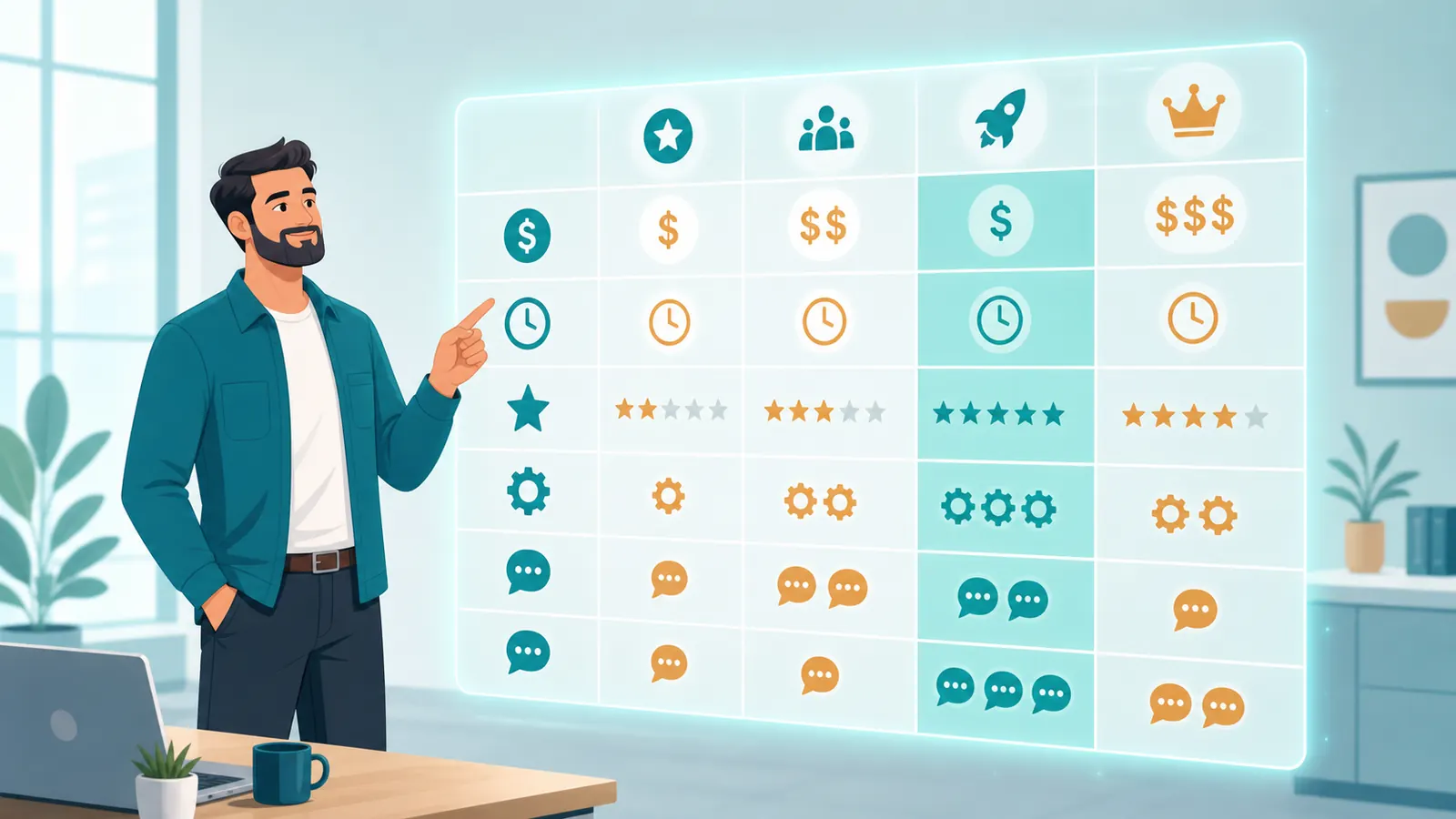
| Business Need | Best Starting Tool | Typical Monthly Budget | Setup Difficulty | Best First Metric |
|---|---|---|---|---|
| Marketing content | Jasper or Canva Magic Design | $0 to $70 | Low to medium | Hours saved per campaign |
| Social lead capture | ManyChat | $0 to $30 | Low | Response time and booked calls |
| CRM follow-up | HubSpot Starter | $15+ per seat | Medium | Follow-up completion rate |
| Website support | Tidio with Lyro AI | $0 to $60 | Low to medium | Questions resolved without delay |
| Scheduling | Calendly, Motion, or Reclaim | $0 to $40 | Low | Appointments booked without back-and-forth |
| Bookkeeping admin | QuickBooks, Xero, or Dext | $20 to $80 | Medium | Manual entries removed |
| App integrations | Zapier or Make | $0 to $50 | Medium | Tasks completed automatically |
6 Mistakes That Make AI Automation Fail
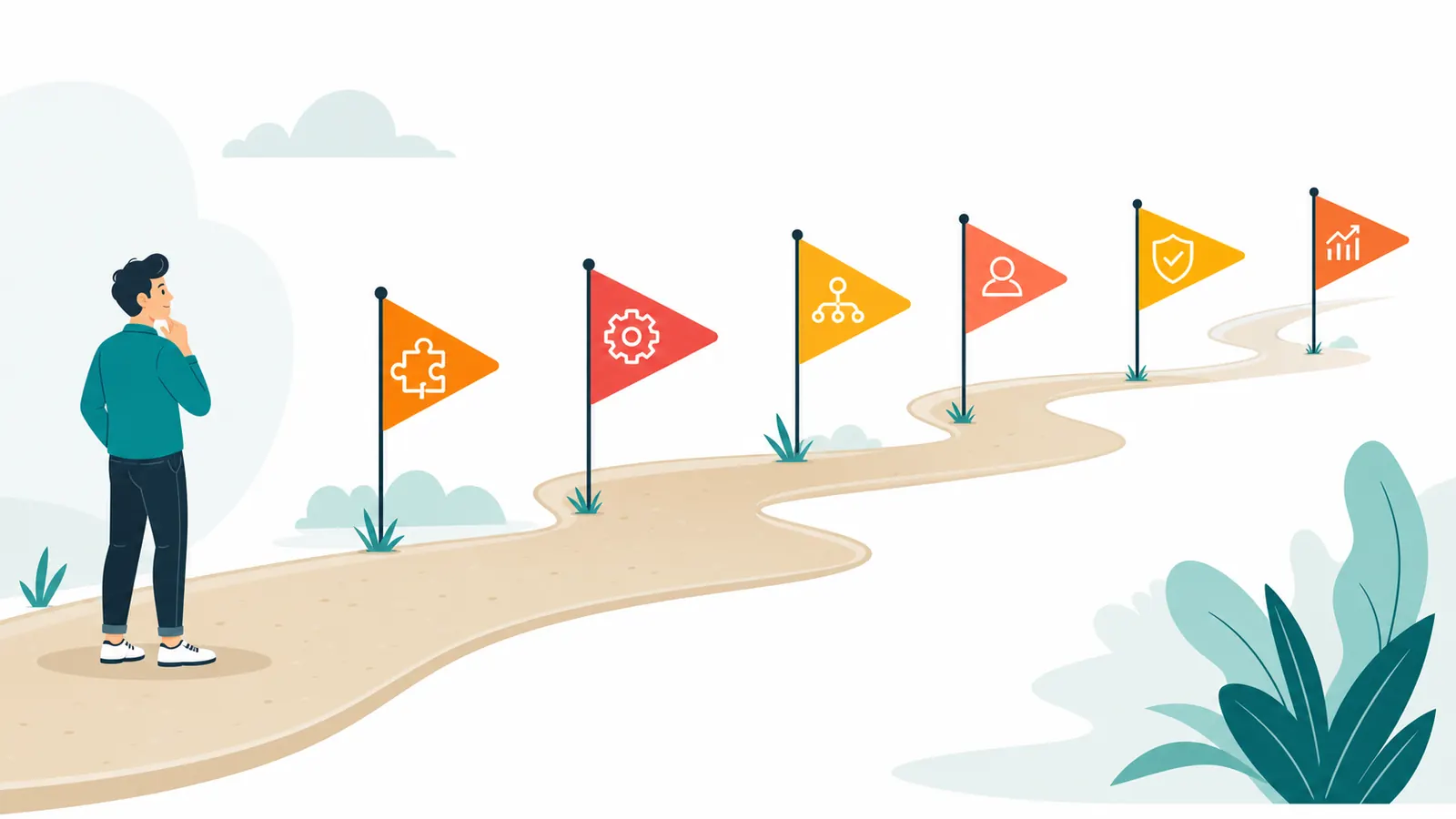
Automating a messy process. If nobody can explain the manual workflow step by step, the automation will only make the mess faster. Clean the process first.
Buying too many tools at once. A stack of subscriptions is not a strategy. Start with one tool attached to one bottleneck.
Skipping human handoff rules. Every chatbot, CRM sequence, and support workflow needs a clear moment where a human takes over.
Ignoring customer experience. Fast replies are not enough. The answer must be accurate, useful, and honest about when AI is involved.
Forgetting measurement. If you do not track time saved, response time, booked calls, or errors reduced, you will not know whether the tool is working.
Trying to replace judgment. AI is excellent at repetitive execution. Strategy, empathy, quality control, and customer relationships still need humans.
What to Expect in Your First 90 Days
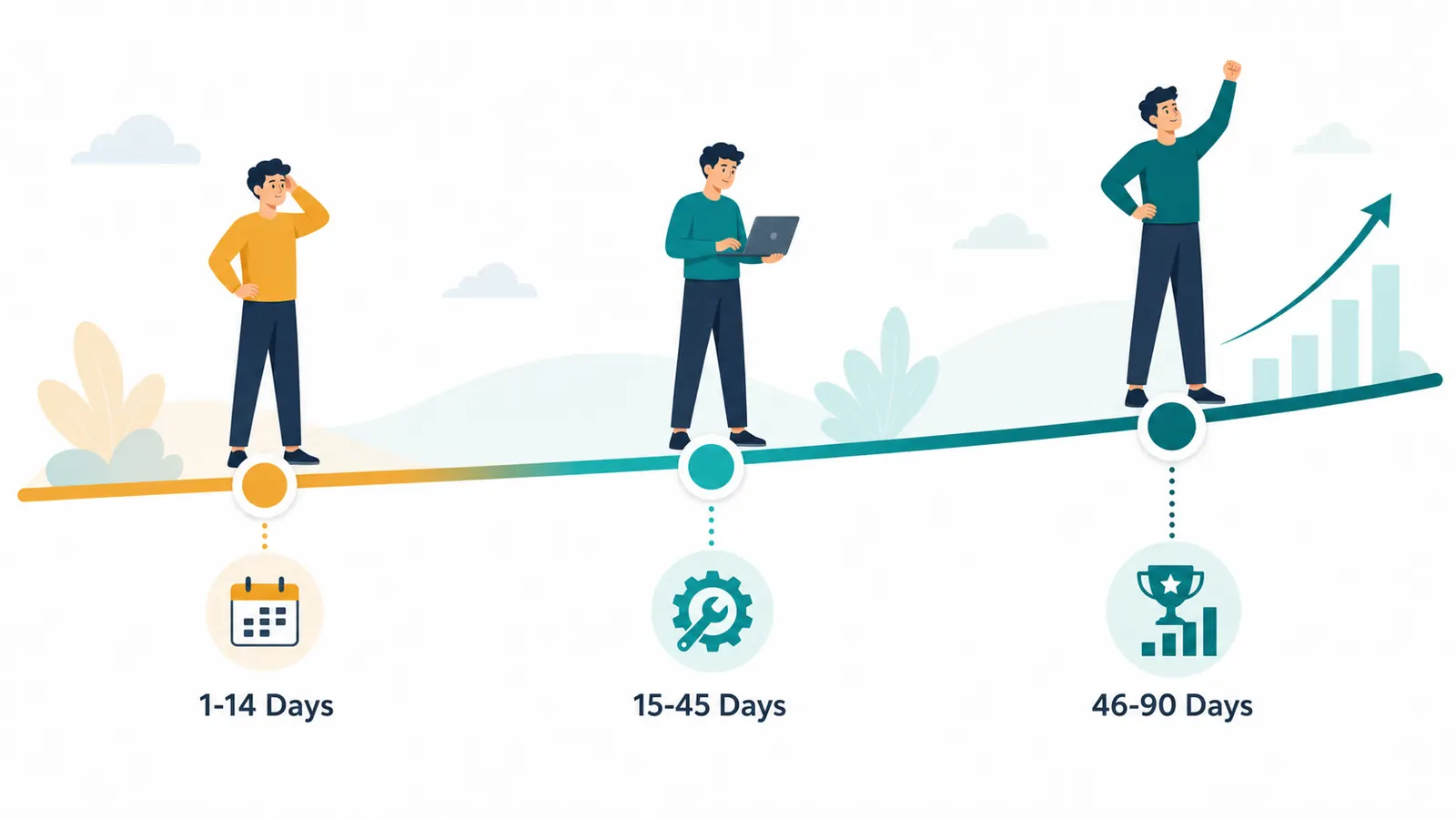
Days 1 to 14: Pick the Workflow
Choose the task, write down the current manual steps, and decide what result matters. For example: every new lead should get a useful first response within two minutes, every appointment should receive reminders automatically, or every receipt should land in bookkeeping without manual uploads.
Days 15 to 45: Launch the First Automation
Set up the tool, test edge cases, and keep the workflow narrow. This is where most owners get tempted to add five more ideas. Resist that. Make the first workflow boring, reliable, and measurable.
Days 46 to 90: Improve and Expand
Review what worked, what broke, and what customers or staff noticed. Then add the next workflow. The businesses that win with automation do not install everything overnight. They build a system one repeatable win at a time.
Where SEO Fits Into AI Automation
AI automation does not stop at admin. It also changes how small businesses research keywords, create content briefs, update pages, and build internal links. If organic traffic is a priority, our guide to AI SEO tools for small businesses is the next piece to read.
The short version: use AI to research better, structure better, and publish more consistently, but keep human expertise in the final copy. Google does not reward generic content. It rewards helpful pages that answer real questions clearly.
The Practical Starter Stack
If you are starting from zero, do not buy the fanciest platform. Build a lean stack around your biggest bottleneck:
- For missed leads: ManyChat or HubSpot Starter plus Zapier.
- For repeated questions: Tidio with a clean FAQ and human handoff.
- For content delays: Jasper or ChatGPT for drafts plus Canva for visuals.
- For appointment chaos: Calendly plus automated reminders.
- For admin drag: QuickBooks, Xero, Dext, Zapier, or Make.
A meaningful starter stack usually costs far less than a part-time hire and can pay for itself quickly when it removes work that was blocking sales, service, or owner focus.
Need the Tools Chosen and Set Up?
SAM's AI Services helps small and mid-sized businesses choose, build, and manage AI automation workflows that fit the way the business actually runs.
If you want to automate lead follow-up, customer support, scheduling, content, or internal admin without losing weekends to setup, reach out here or call +1 (415) 287-2654.
Frequently Asked Questions
What is the best AI automation tool for a small business beginner?
For most beginners, start with the task causing the most pain. Use Canva or Jasper for content, ManyChat for Instagram and Facebook leads, Tidio for website questions, Calendly for scheduling, or Zapier for connecting apps.
How much should a small business budget for AI automation tools?
A practical starter budget is usually $50 to $150 per month for one or two tools plus an integration layer. Start smaller when possible, prove the workflow works, then expand.
Can AI automation replace employees?
AI automation is best used to replace repetitive admin work, not people. It frees employees and owners to spend more time on customer relationships, judgment, quality control, and growth work.
How do I know if an AI tool is worth keeping?
Keep it only if it saves measurable time, improves response speed, reduces mistakes, increases booked calls, or removes a task your team used to handle manually. If it does not produce a clear result in 30 to 60 days, reassess it.
Should I choose an all-in-one platform or specialized tools?
Most very small teams should start with specialized tools connected by Zapier or Make. All-in-one platforms can be useful later, but they often require more setup and process discipline than beginners expect.
What should I automate first?
Automate the workflow closest to revenue or owner time. For many businesses, that means lead response, appointment reminders, repeated customer questions, invoice creation, or content production.